Upsize an Image with Adima AI
Image Upsize Up to 4K 8K 16K 24K 32K
Leverage our advanced AI image upscaler to seamlessly improve image quality. Recover lost details, apply AI sharpening, and generate stunning ultra HD images entirely offline.


AI-Powered
Upscaling.
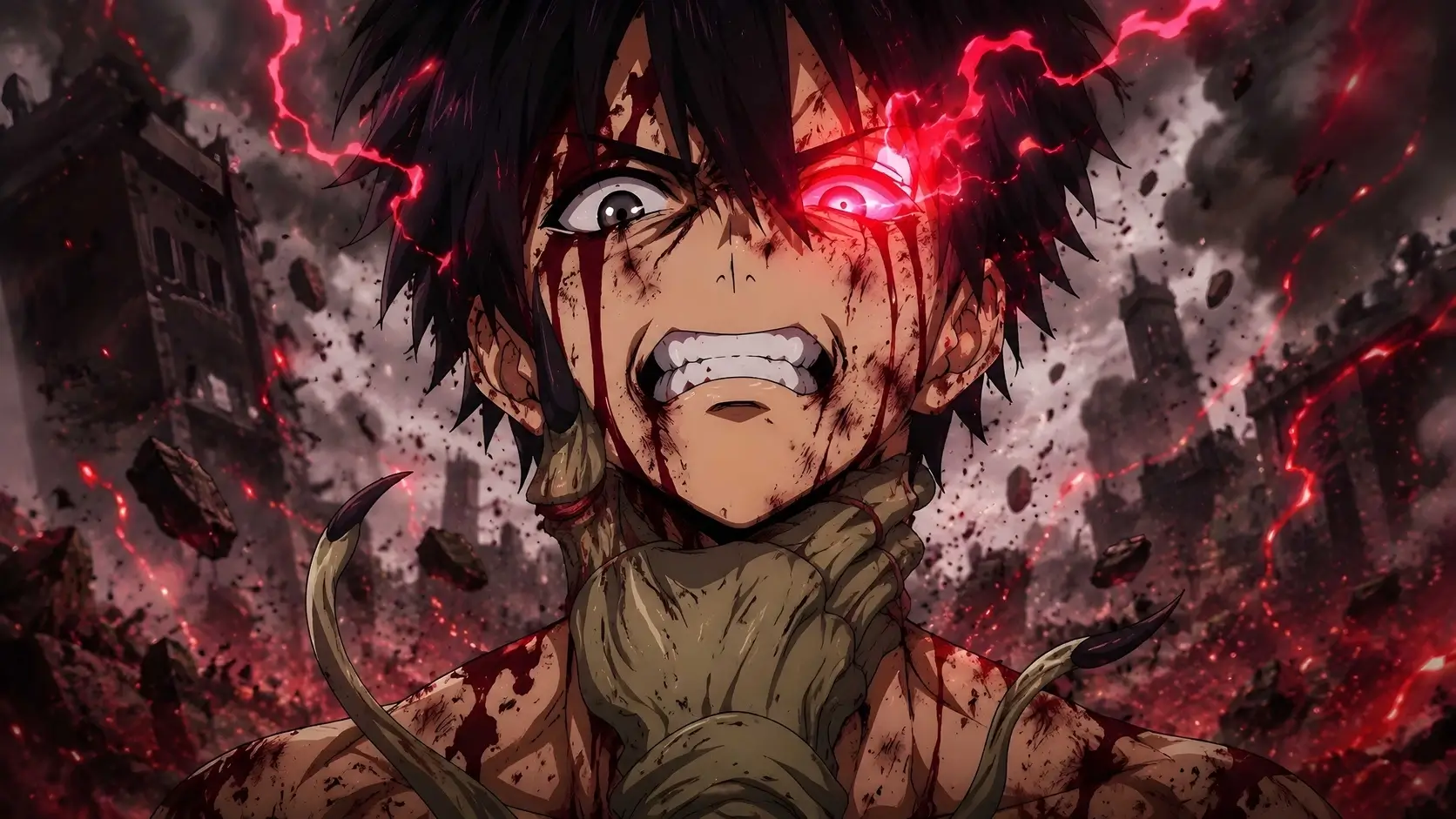


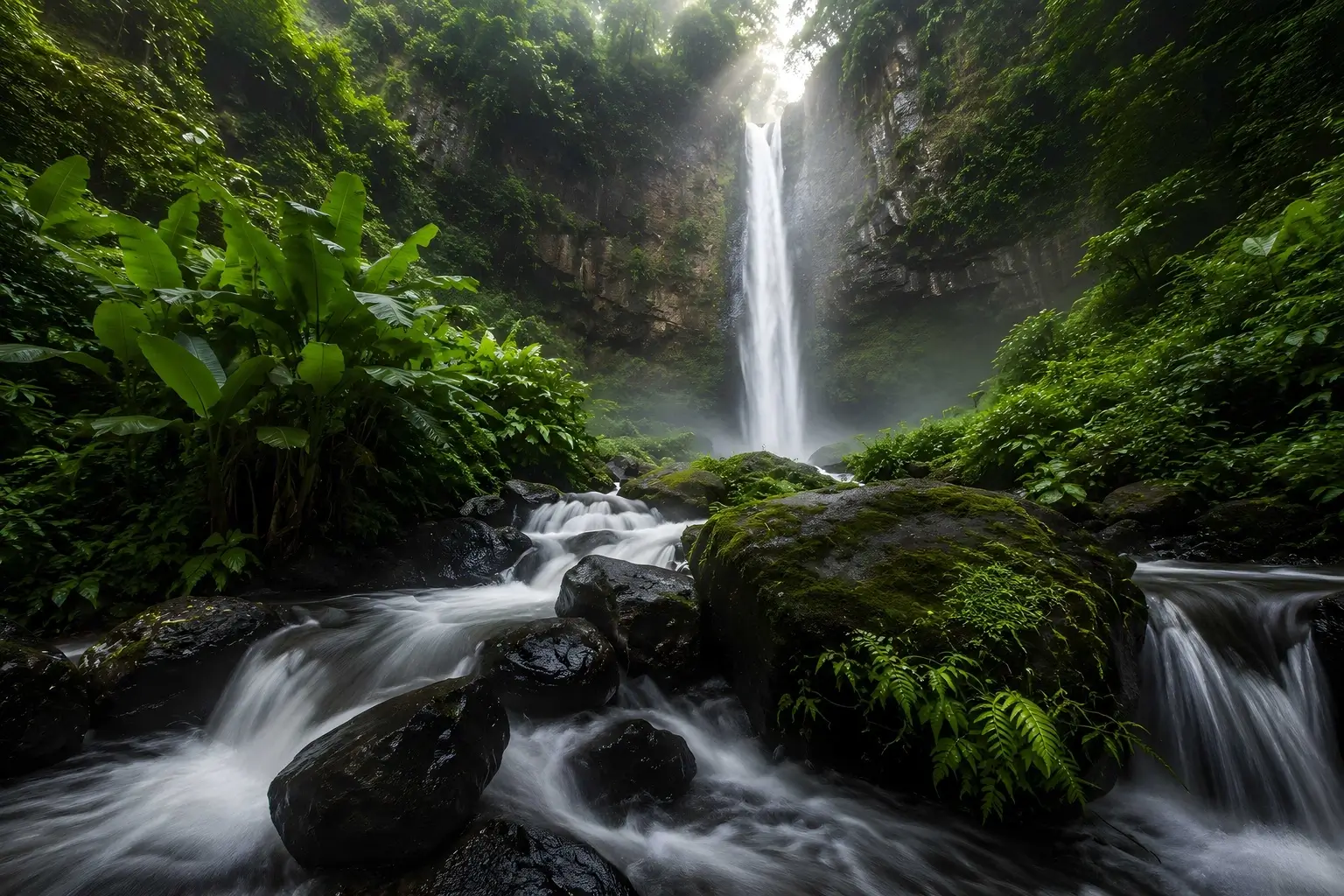


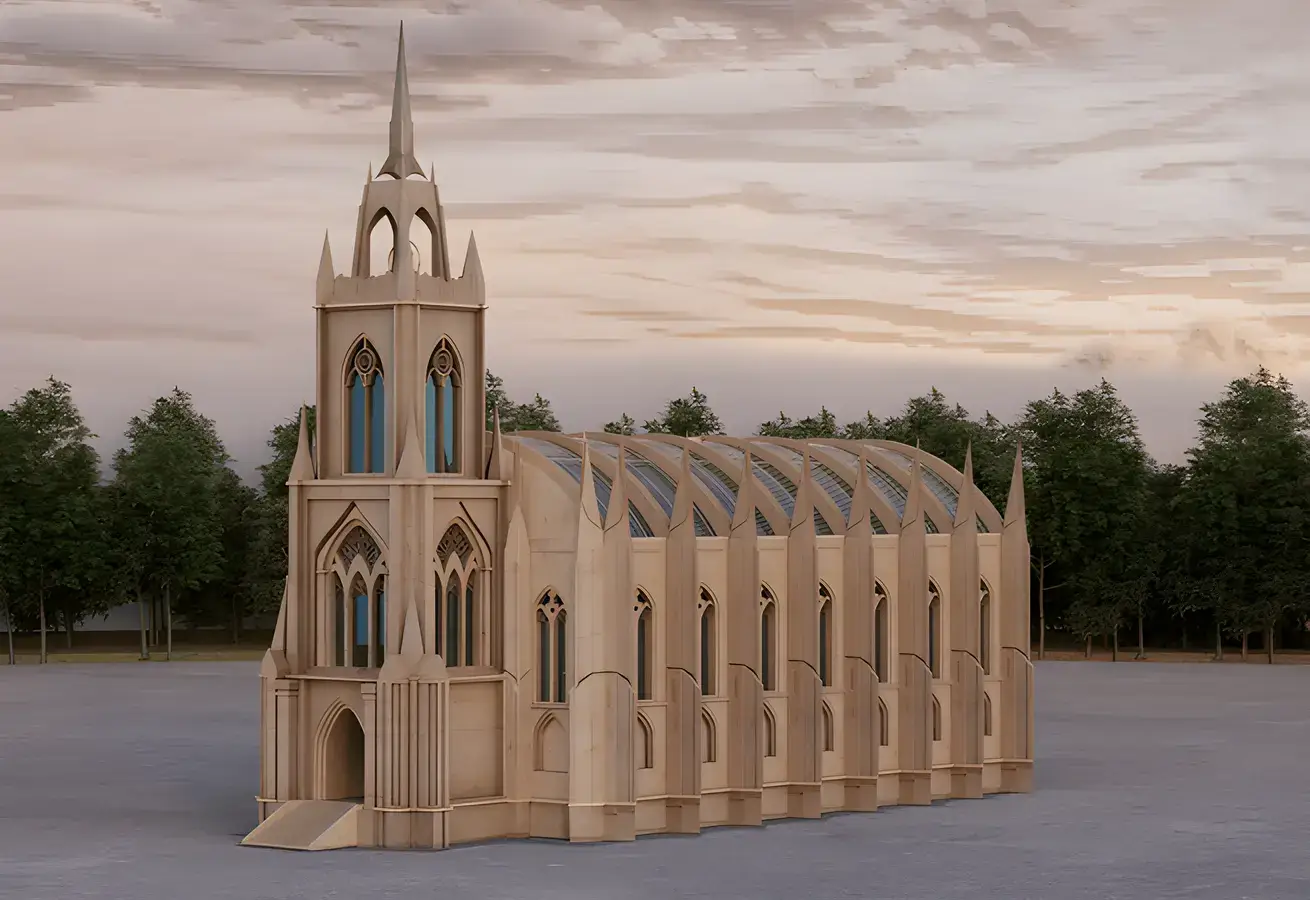

Upscale Images to 4K
Transform low-resolution photos into stunning masterpieces. Our professional image upscaler preserves original sharpness, intricate textures, and fine details. Experience flawless, professional-grade 4K enhancement directly on your Windows PC.
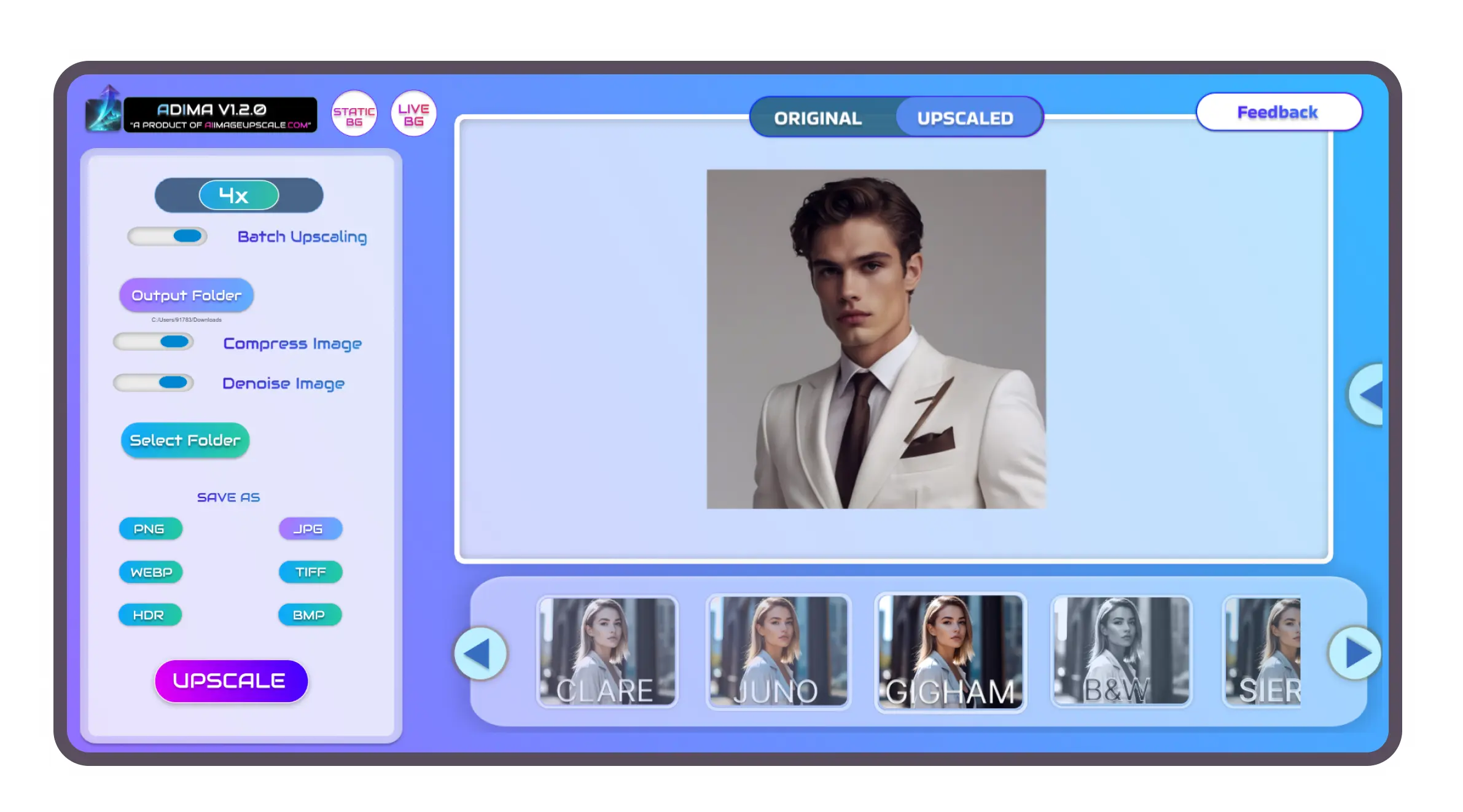
Unmatched Image Upsize .
Achieve incredible image quality enhancement with our top-tier photo upscaler. Enjoy crisper details, flawlessly restored textures, and breathtaking clarity that makes every pixel count.







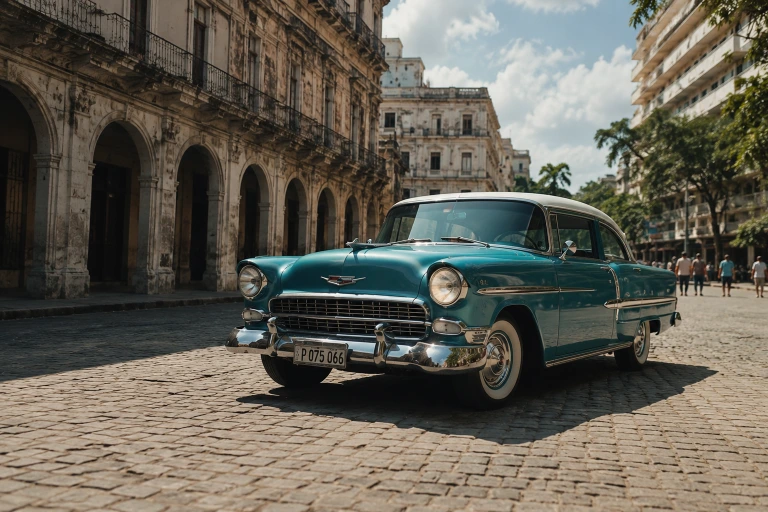




AI Photo Enhancer .
Adima is an industry-leading image upscaler for Windows. It provides exceptional offline AI processing, unparalleled detail recovery, and high-resolution photos with optimized CPU and GPU acceleration.
Effortless Batch Processing
Accelerate your workflow with seamless batch processing capabilities. Process entire folders simultaneously and let our AI image upscaler save you hours of manual editing.
Unprecedented 16× Image Upsize
Push the boundaries of resolution and easily generate high-resolution photos. Enlarge visuals without quality loss for truly breathtaking AI super resolution.
Face Enhancement & Restoration
Bring blurry portraits back to life with automated facial processing. Instantly restore details, sharpen eyes, and enhance skin texture using our precision picture upscaler.
Smart Compression & Versatile Export
Maximize the benefits of your image upsize workflow by utilizing smart AI compression. Perform effortless PNG enhancement and JPEG enhancement directly in the software.
AI Filters & Themes
AI editing perfection meets creativity. Transform your image upscaler results with artistic AI filters, all while personalizing your workspace with beautiful, built-in dynamic themes.
Secure Local AI Processing
Enjoy complete peace of mind with local execution. Your files never leave your device, ensuring total data privacy while you safely improve image quality.
Data
Stays
Yours.
Every file processed by Adima never leaves your device. With zero server uploads and no cloud dependency, you can effortlessly improve picture quality without worrying about hidden privacy policies.
Offline-first isn't just a feature—it's the core architecture of our photo enhancer. The advanced neural models execute entirely on your local GPU, meaning your AI image restoration happens locally, and your files remain entirely yours.
Master Adima Like a Pro
Master our image upscaler with step-by-step tutorials, workflow guides, and proven techniques. Discover expert tips to achieve the perfect image upsize, producing sharper, cleaner, and breathtaking results in minutes.
Frequently Asked
Questions.
To enlarge a photo without losing detail, simply import your file into Adima. Select your desired resolution target, and our image upsizer will intelligently reconstruct missing pixels for a flawless image upsize.
You can improve image quality using AI-powered upscaling. The software analyzes your picture, automatically applying noise reduction, AI sharpening, and texture restoration to produce crisp, vibrant results.
Enhancing blurry photos is easy with our AI photo enhancer. By utilizing deep learning algorithms, Adima recovers lost information and applies detail recovery to transform soft edges into sharp, clearly defined boundaries.
Select the 4K preset inside the application to instantly convert images to 4K. The platform uses local AI processing to generate millions of accurate pixels, turning standard pictures into ultra HD images.
An AI Image Upsizer is an advanced software tool that uses neural networks to increase a file's resolution. Unlike basic resizing, it understands context, allowing it to perform true image quality enhancement without pixelation.
Yes, you can use Adima to upsize image free with our initial complimentary credits. Experience premium image enhancement before upgrading to unlimited offline processing.
Absolutely. Adima relies entirely on local AI processing. Your files never leave your computer, ensuring complete privacy while you use our offline AI tools.
AI Photo Enhancement works by referencing vast datasets of high-resolution photos. When it processes your file, it predicts the correct colors and textures, allowing for highly accurate image restoration and enlargement.
Without
Compromise.
Proven AI image upsizer technology. Now available on Windows.